
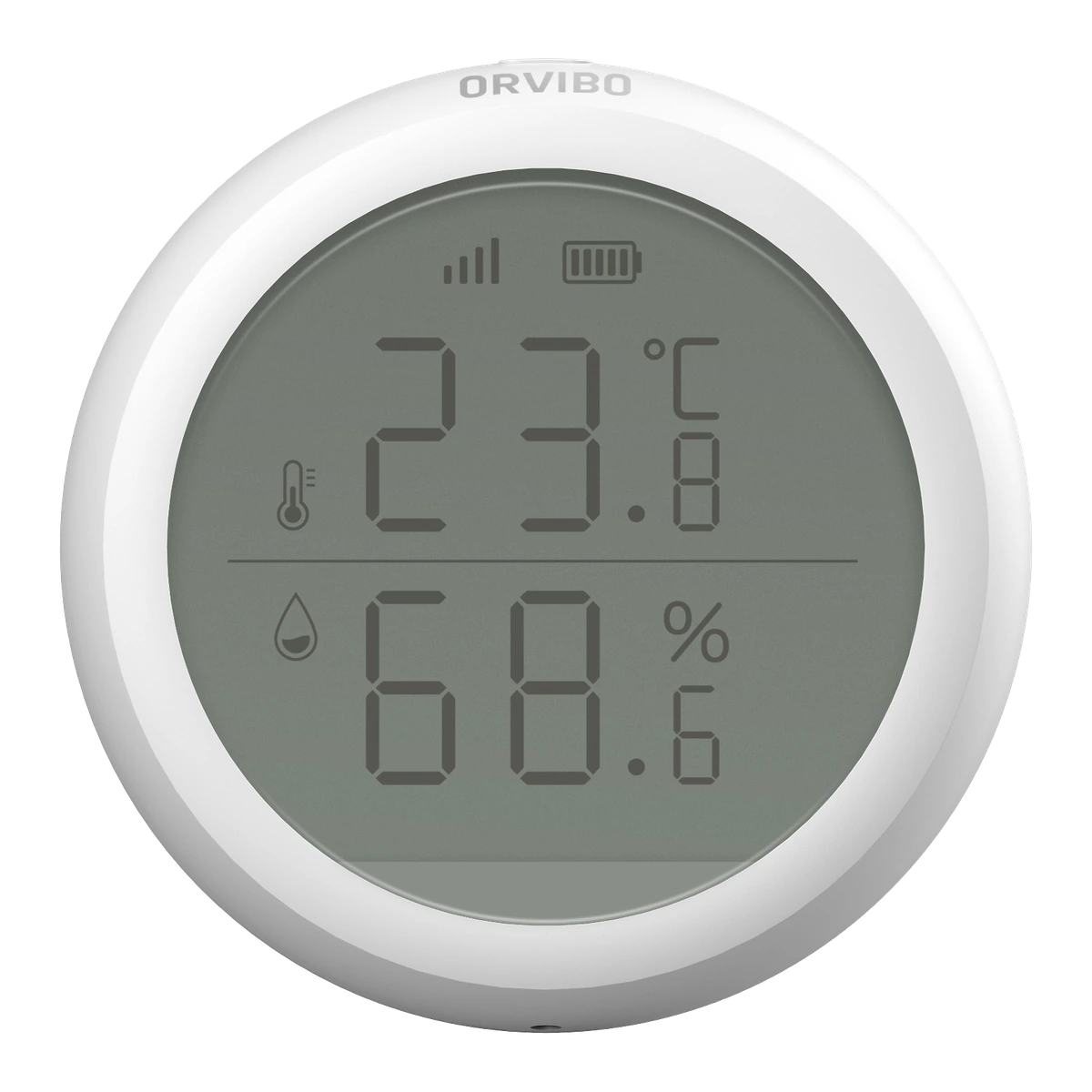
Read temperature and humidity on screen. Connect ST30 to your configured ORVIBO Zigbee system.
Tech specsWhat you need
- Two AAA batteries and a position for the stand or adhesive mounting.
- A compatible ORVIBO Zigbee setup for connected readings.
A clearer picture of your room
Read temperature
and humidity together.
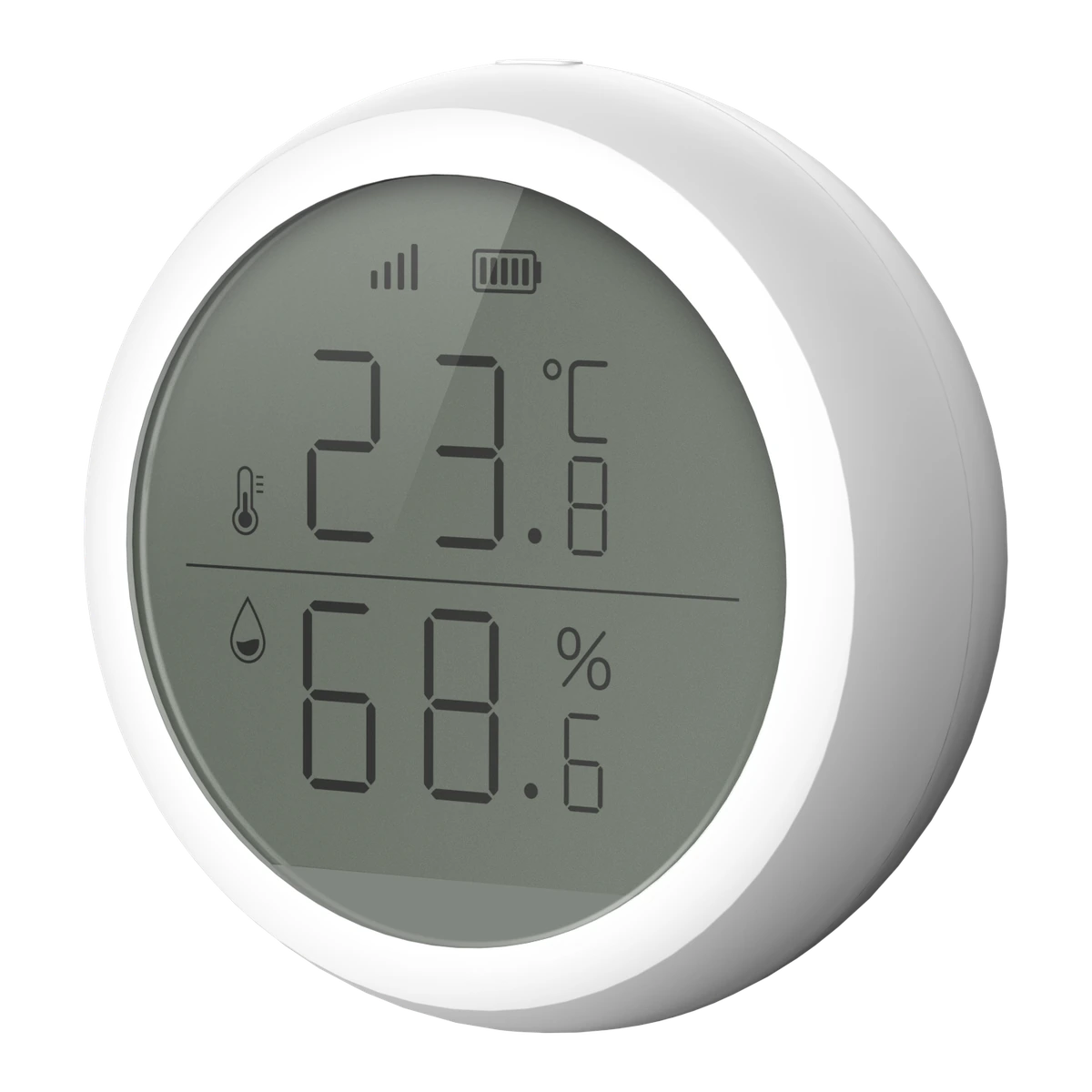
- Temperature
- Check the room temperature on the sensor’s display.
- Relative humidity
- See the relative humidity alongside the temperature.
Planned for your home
Mount it or
use the stand.
Use the supplied stand or adhesive mounting. Nova helps choose the position and checks Zigbee coverage for connected readings.
Placement & setup
ST30 uses two AAA batteries. Keep the battery compartment accessible. Its low-battery warning helps you know when the batteries need attention. Connected readings depend on your configured ORVIBO Zigbee setup.
ST30 Temperature & Humidity Sensor
Technical specifications
Dimensions, connections and installation details.
Model / version
ST30
ST30 temperature and relative-humidity sensor. The supplied manufacturer model is confirmed by Nova.
Dimensions & fitting
- Diameter × depth
- Ø61.2 × 23 mm
- Installation
- Adhesive mounting or the included stand
Power & connection
- Power supply
- DC 3 V · 2 AAA batteries
- Wireless connection
- Zigbee · 2.4 GHz
- Battery status
- Low-battery warning
Use & environment
- Readings
- Temperature and relative humidity
- Operating temperature
- −10–55 °C
- Operating humidity
- 0–99.9% RH
Product documentation
ST30 Temperature & Humidity Sensor
Choose where to monitor.
Tell us which rooms you would like to monitor. We’ll help plan the positions and connection.