
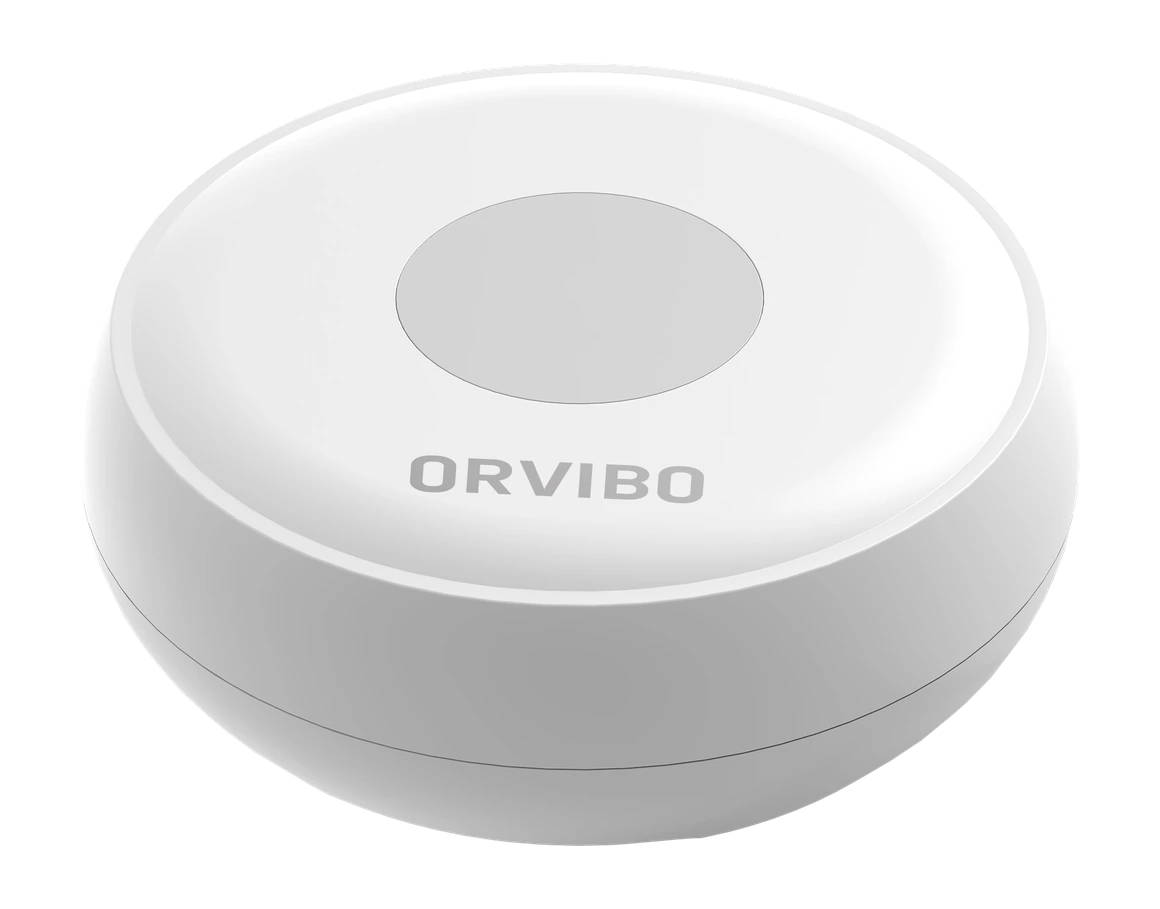
A physical button for sending a configured app alert. Placed within reach, with a purpose agreed during setup.
Tech specsWhat you need
- A battery and a position within easy reach.
- An ORVIBO Zigbee setup with the intended alert configured.
- Agree who receives alerts; an emergency-service response is not included.
Make the next step clear
Decide who receives
the alert.
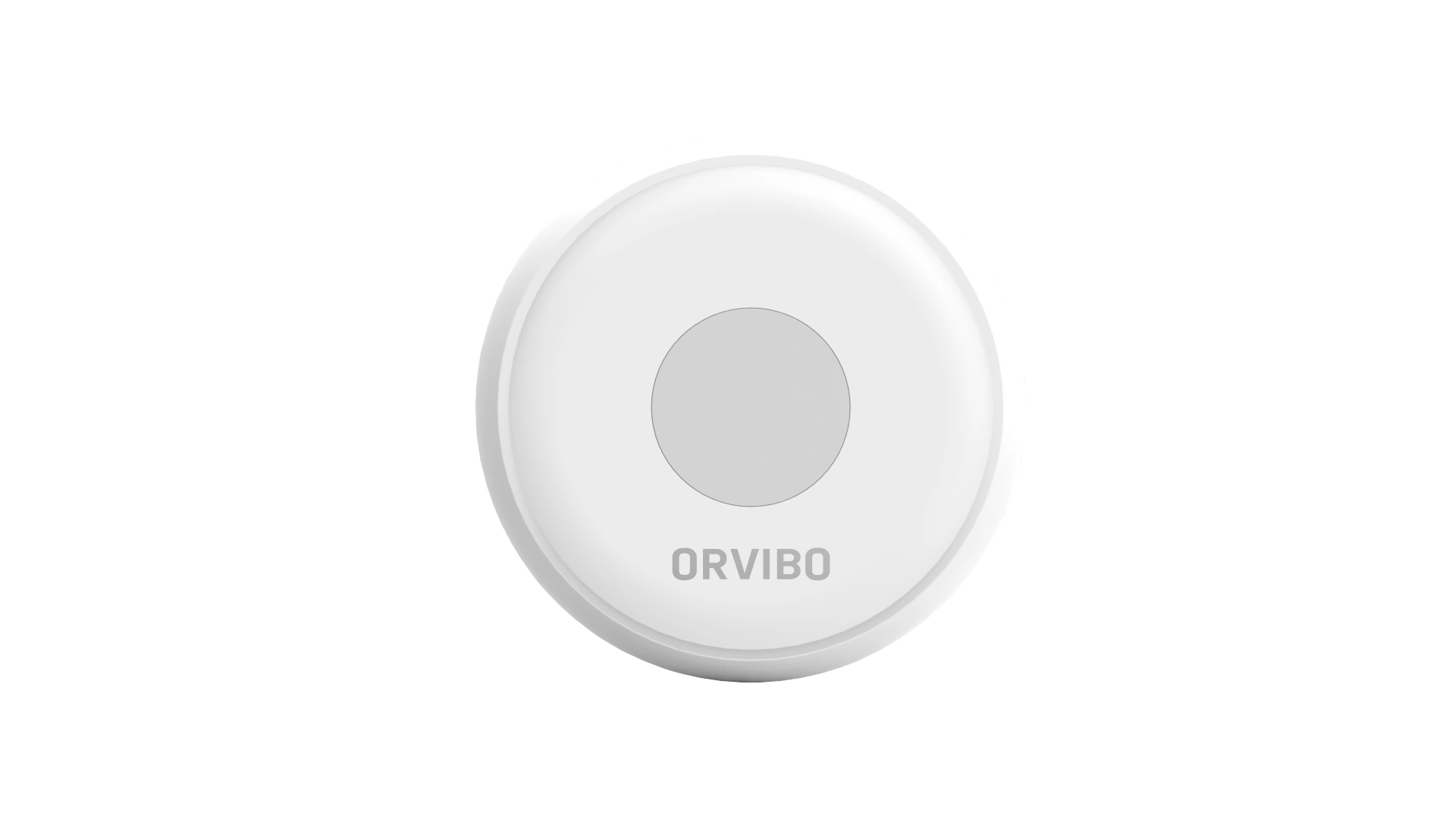
A useful alert starts with a clear plan. Decide where the button should be, who receives its notification and what they should do next.
This is a connected alert button. An emergency-service response is not included or automatically guaranteed.
Planned for your home
Keep the button
within easy reach.
Place it directly or attach it with adhesive. Nova configures the intended alert and tests the setup with you.
Placement & setup
The SE30 uses a CR2032 battery and a compatible ORVIBO Zigbee setup. Choose a position within easy reach and check wireless coverage. The intended app alert and its recipients must be configured.
Emergency Button
Technical specifications
Dimensions, connections and installation details.
Model / version
SE30
Reference model: SE30. Nova confirms the supplied version before installation.
Product code- 9.09.01000167
Dimensions & fitting
- Diameter × height
- Ø50 × 16 mm
- Installation
- Place directly or attach with adhesive
Power & connection
- Power supply
- DC 3 V · CR2032 battery
- Wireless connection
- Zigbee
- Wireless range
- Up to 80 m in an open environment
Use & environment
- Action
- Press to send a configured app alert
- Operating temperature
- −10–50 °C
Product documentation
- ORVIBO · SE30 installation specifications
- ORVIBO · Emergency Button
- ORVIBO · 2022 product list (Scribd · downloads require sign-up)
Emergency Button
Let’s plan your alert.
Tell us who will use it and how you want the alert to work.